
Moving and Reordering Elements in Coursebox
Coursebox makes it easy to rearrange your course content using drag and drop. You can move text blocks, images, info tabs, activities, and other elements into the order you want in just a few steps.
How to move elements within a course
Open the course editor
Go to your course and open the page you want to edit.Minimise sections for easier navigation
Click the Minimise button on each section to collapse its content.
You can minimise all sections to get a clear overview of the page layout.

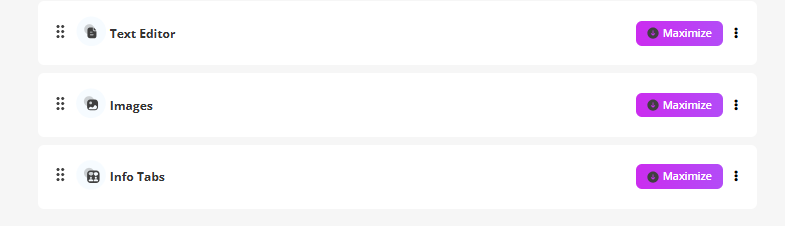
Locate the drag handle (six-dot icon)
On the left-hand side of each section or element, you’ll see a six-dot icon.
This icon indicates the element can be moved.
Drag and drop the element
Click and hold the six-dot icon.
Drag the section up or down to your desired position.
Release to drop it into place.
Reorder freely
You can repeat this process to reorganise:Text Editor blocks
Images
Info Tabs
Activities and AI-generated elements